Project 06 · Live · Developer tools
Repo2Launch
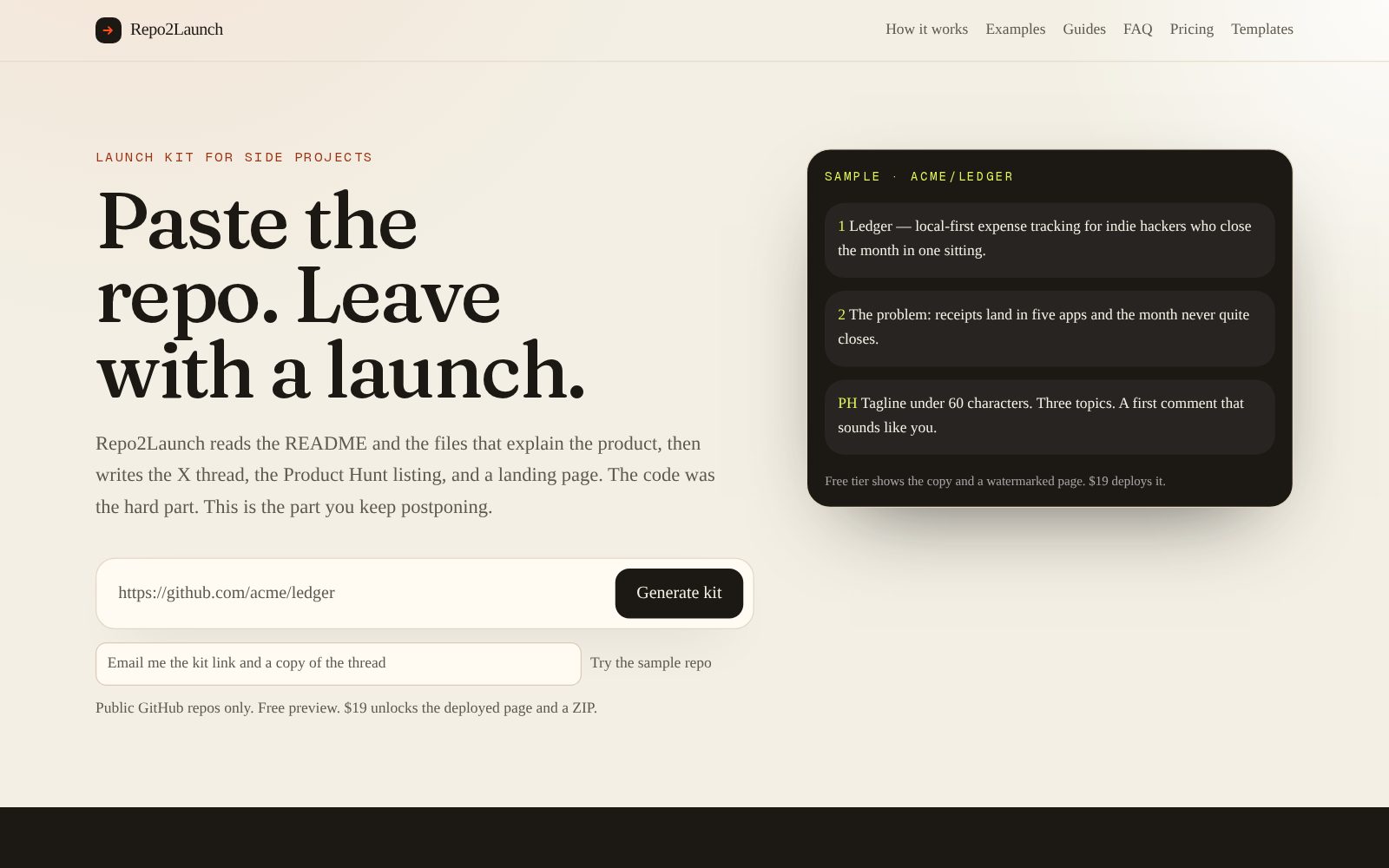
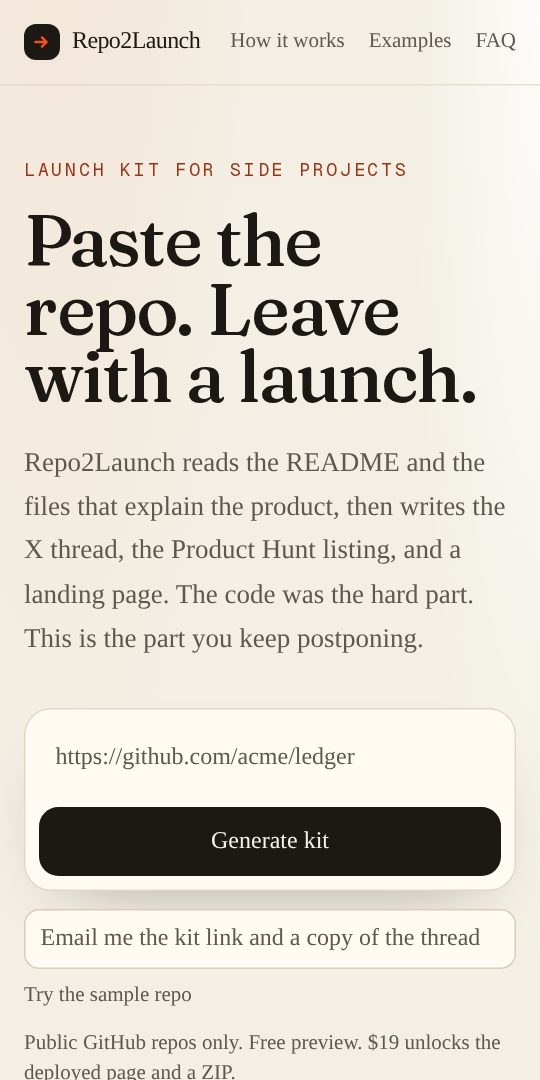
Paste a GitHub repo, leave with a launch kit: an X thread, a Product Hunt listing and a landing page.
What it does
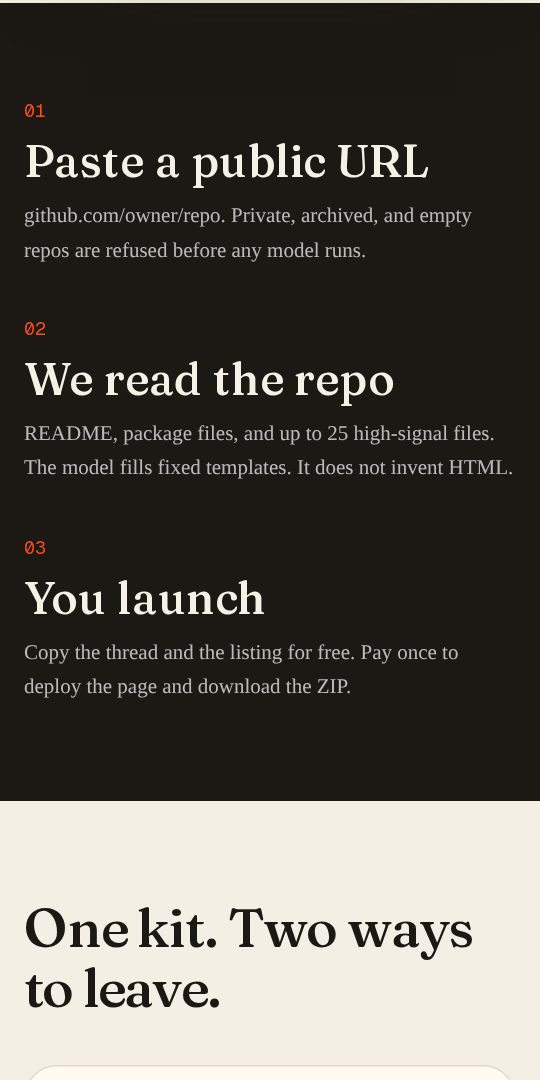
A launch kit for side projects. Repo2Launch reads a public GitHub repo's README and the files that explain the product, then writes an X launch thread, a Product Hunt listing and a landing page from fixed templates. The copy is free to preview; a one-time unlock deploys the page.
Key features
- 01
Paste a repo
Public GitHub URLs only; private, archived and empty repos are refused before any AI runs.
- 02
X thread
5–8 posts, each under 280 characters, ready to copy.
- 03
Product Hunt listing
Name, tagline, description, first comment and topics.
- 04
Landing page
Filled into one of three fixed templates, with a preview first.
- 05
Deploy & download
The unlock deploys the page, adds a ZIP of the site and two regenerations in a different tone.
- 06
Examples & guides
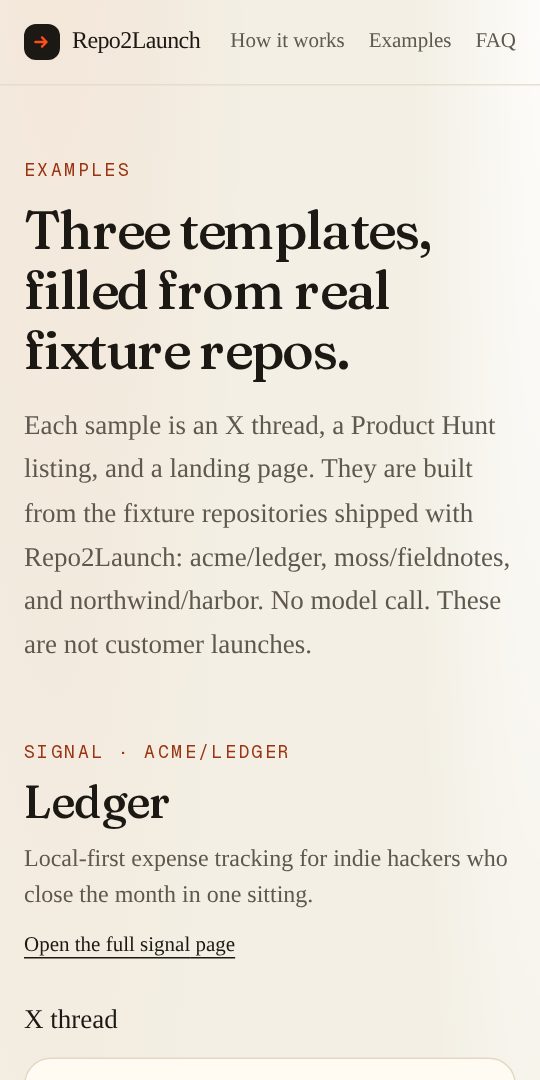
Sample kits to browse, plus guides to writing an X launch thread, launching on Product Hunt and building a landing page from a README.
How it was built
A Next.js and TypeScript app on Vercel, with Supabase as the backend. OpenAI writes the copy into fixed templates, Stripe handles checkout, Resend sends the emails, and scheduled jobs keep the work queue moving.
Tech stack
- Next.js
- TypeScript
- Vercel
- Supabase
- OpenAI
- Stripe
- Resend email